Turn Any Idea Into a Stunning Image
InstaDraw turns your words into studio-quality images in seconds. Describe your idea and get beautiful images you can use commercially. Try it free.
InstaDraw turns your words into studio-quality images in seconds. Describe your idea and get beautiful images you can use commercially. Try it free.
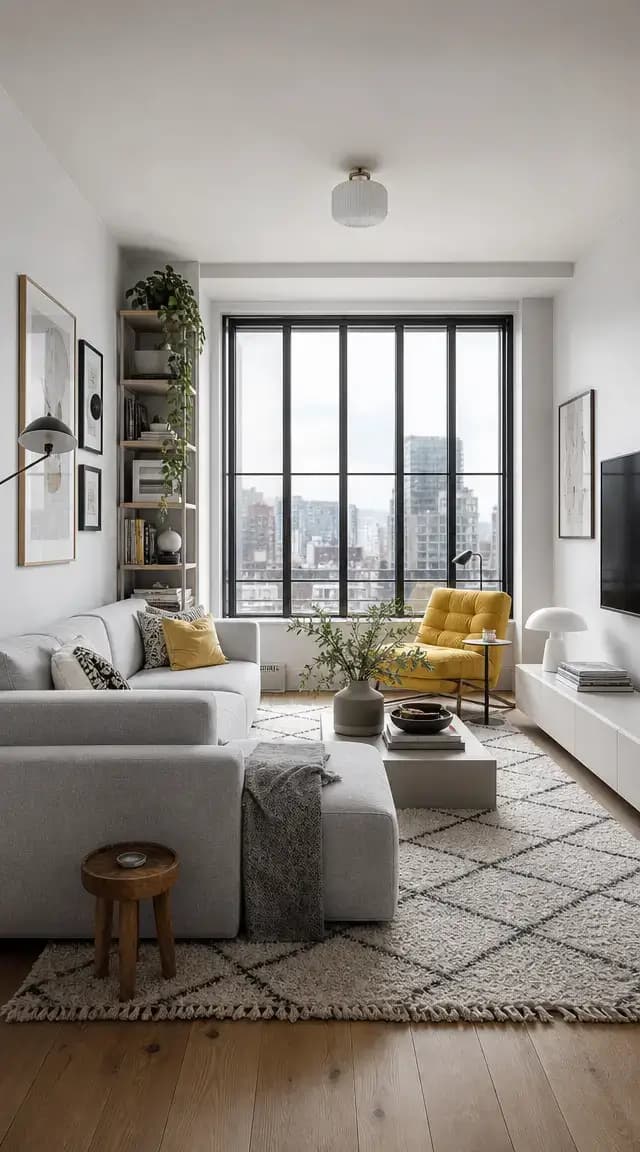
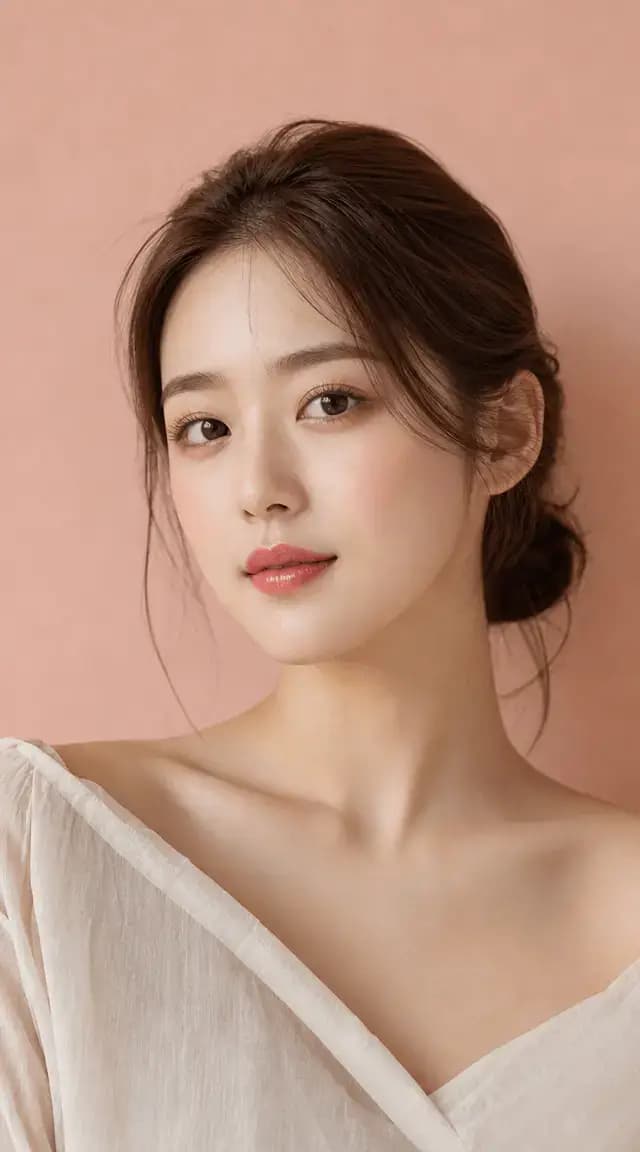
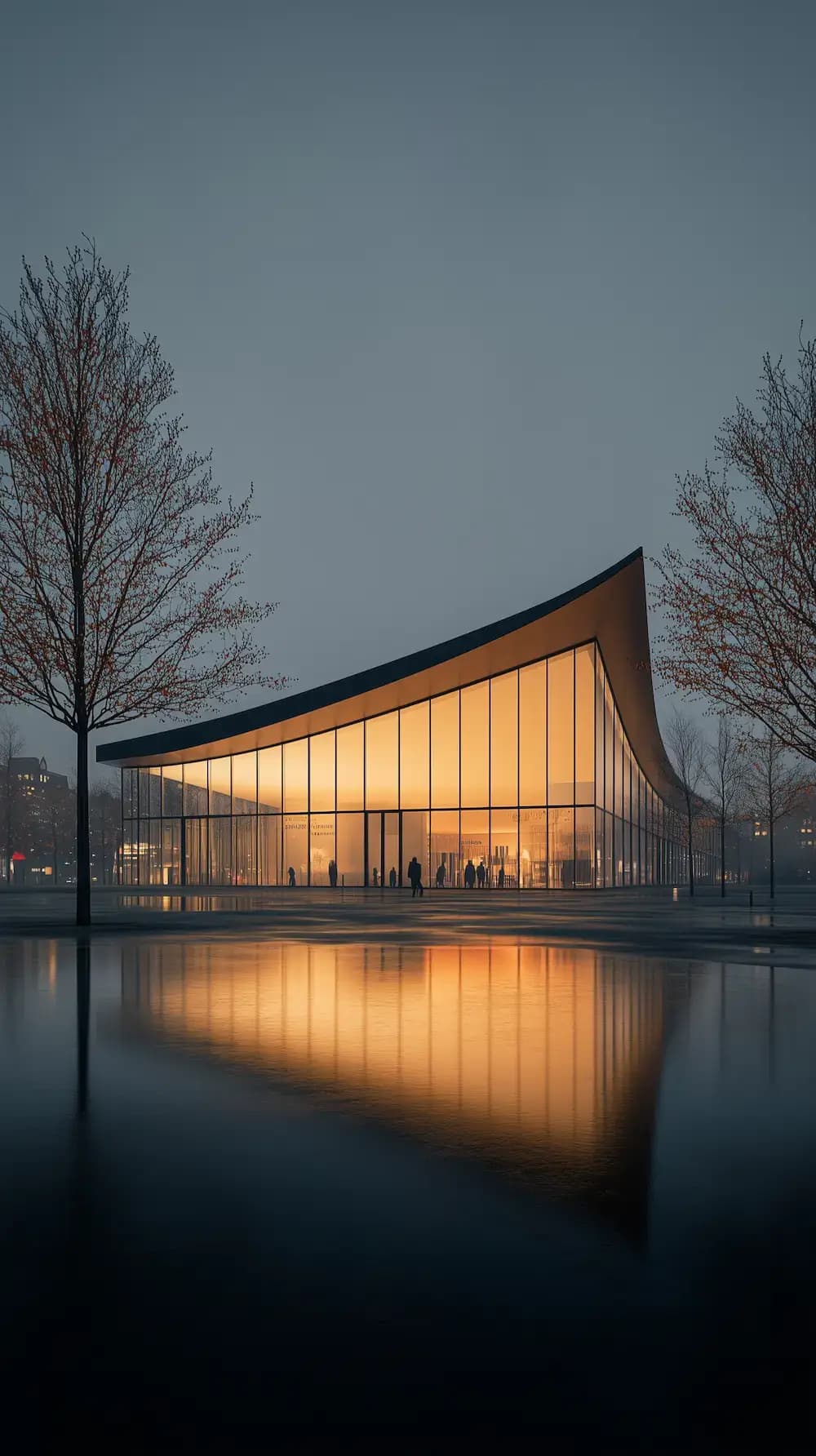
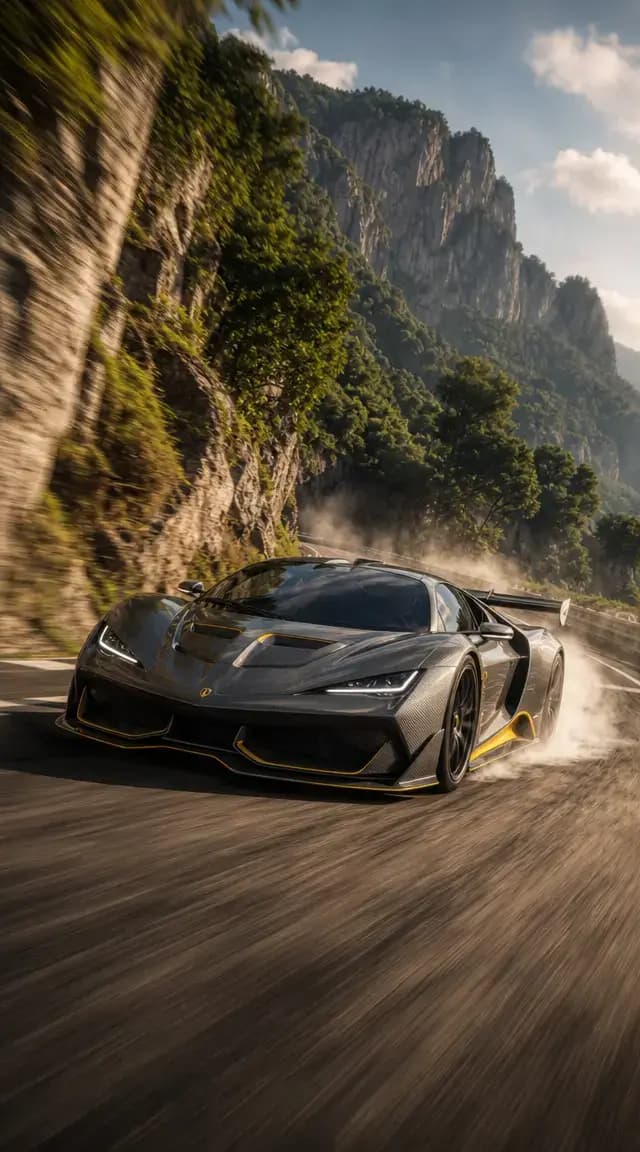
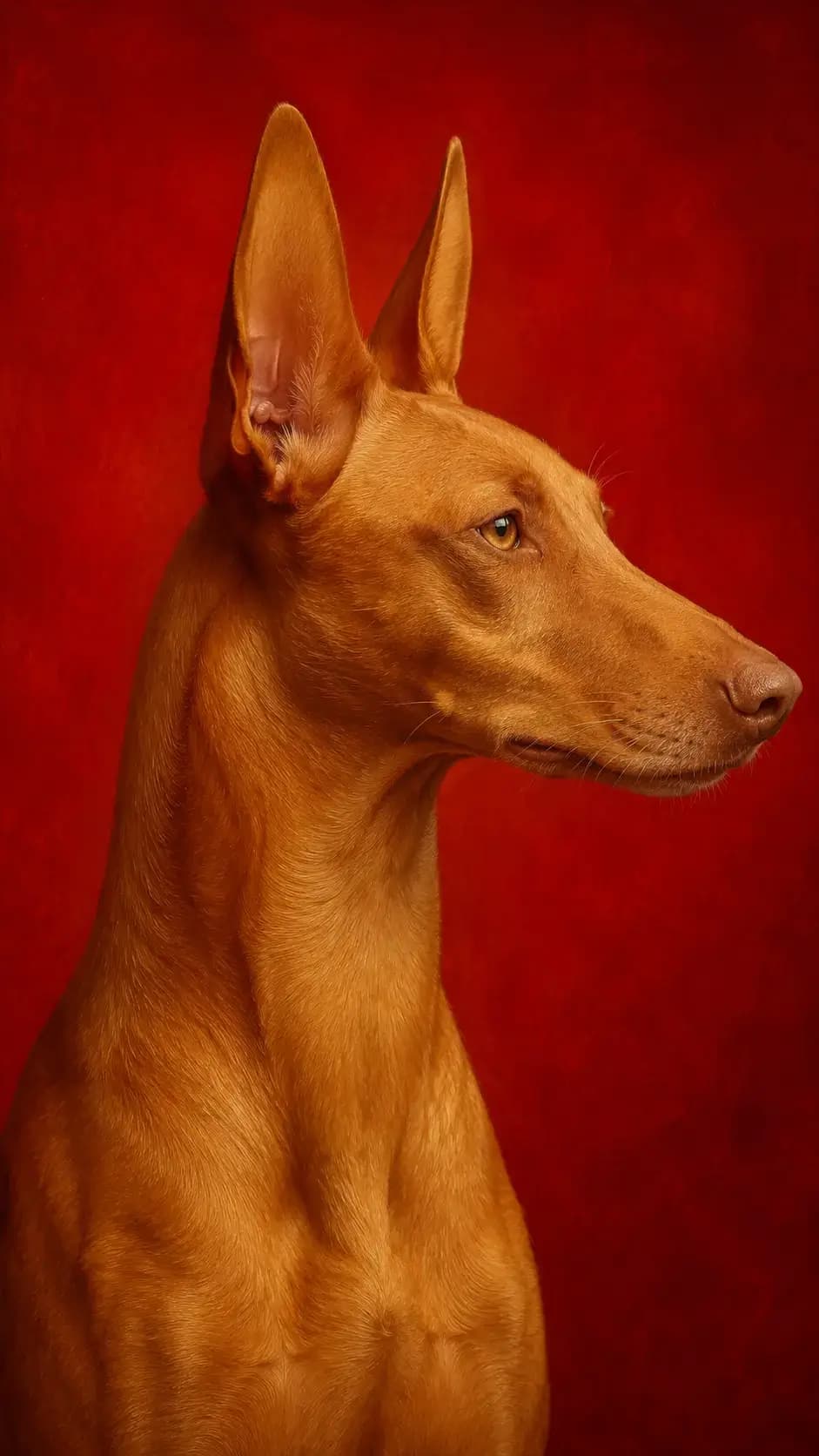
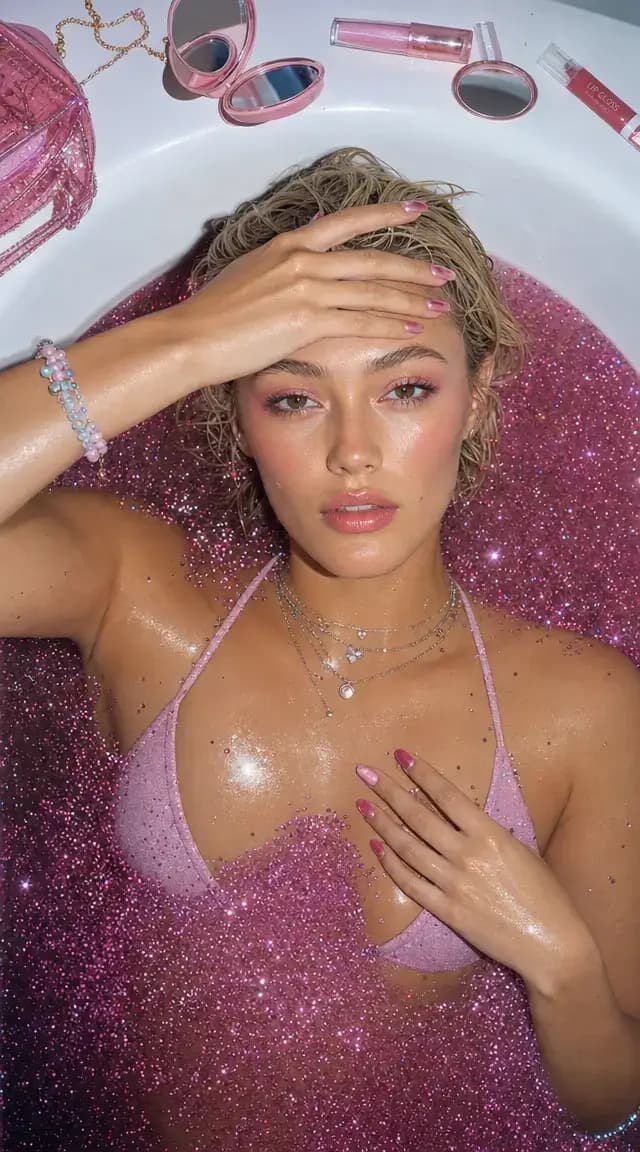
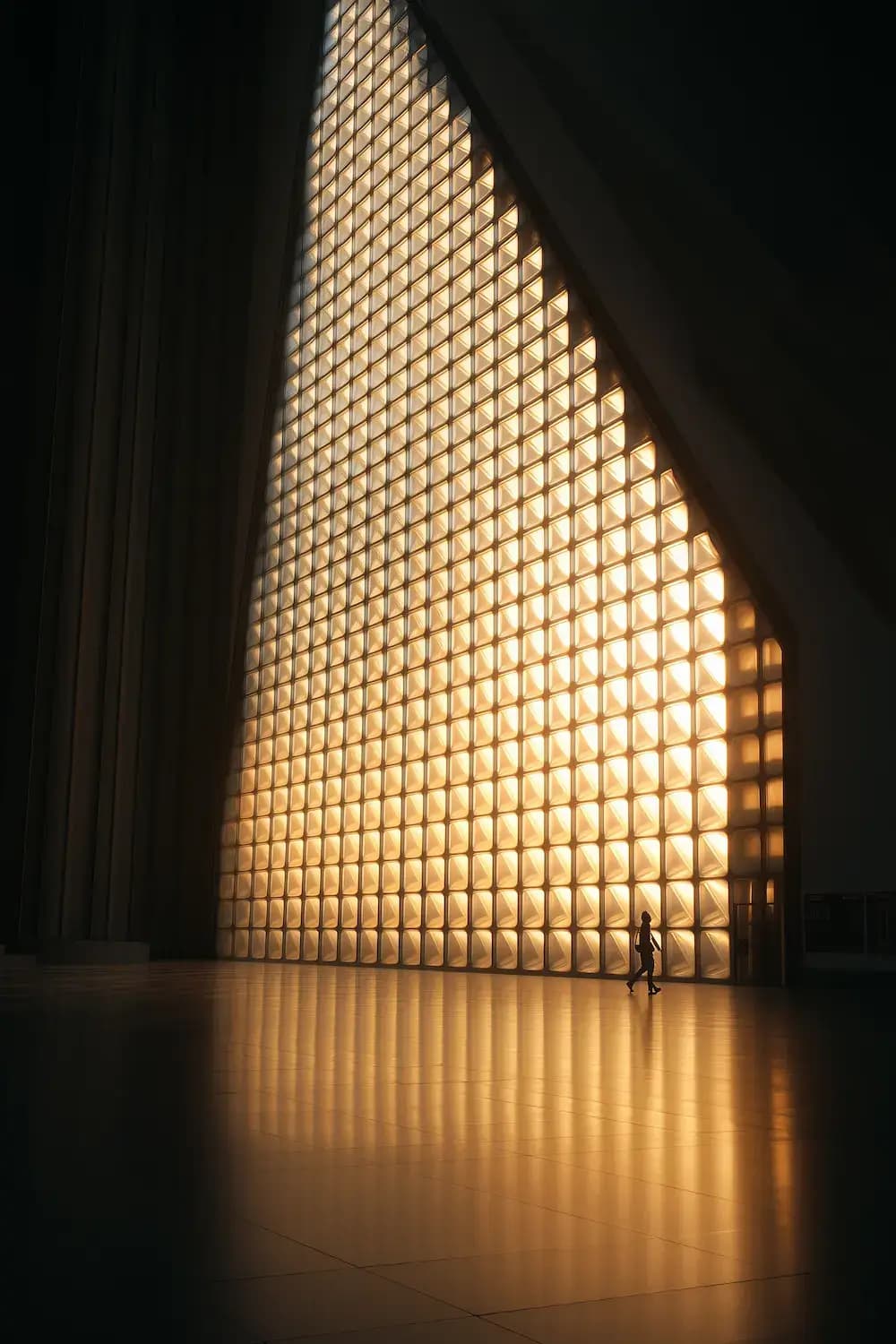
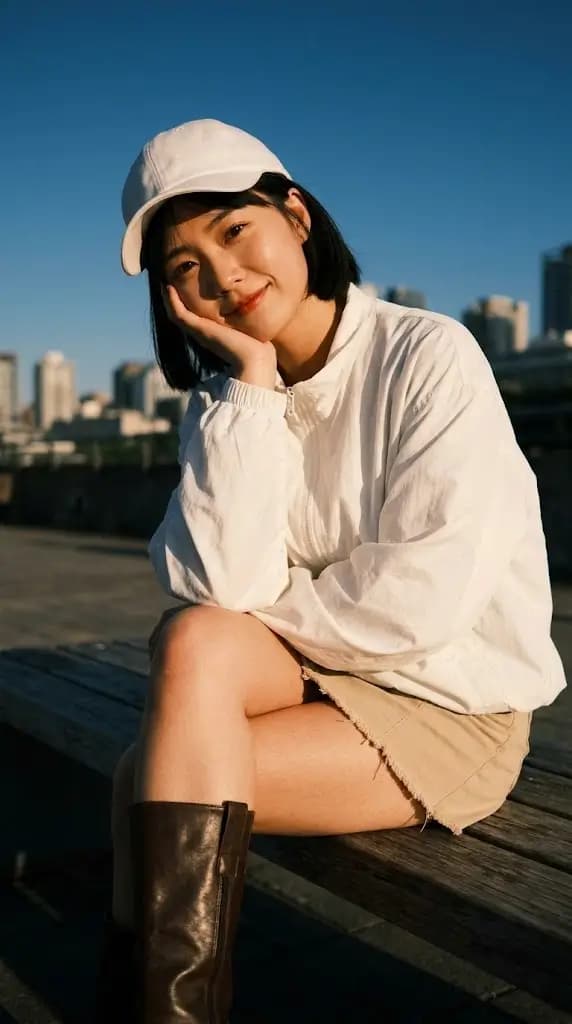
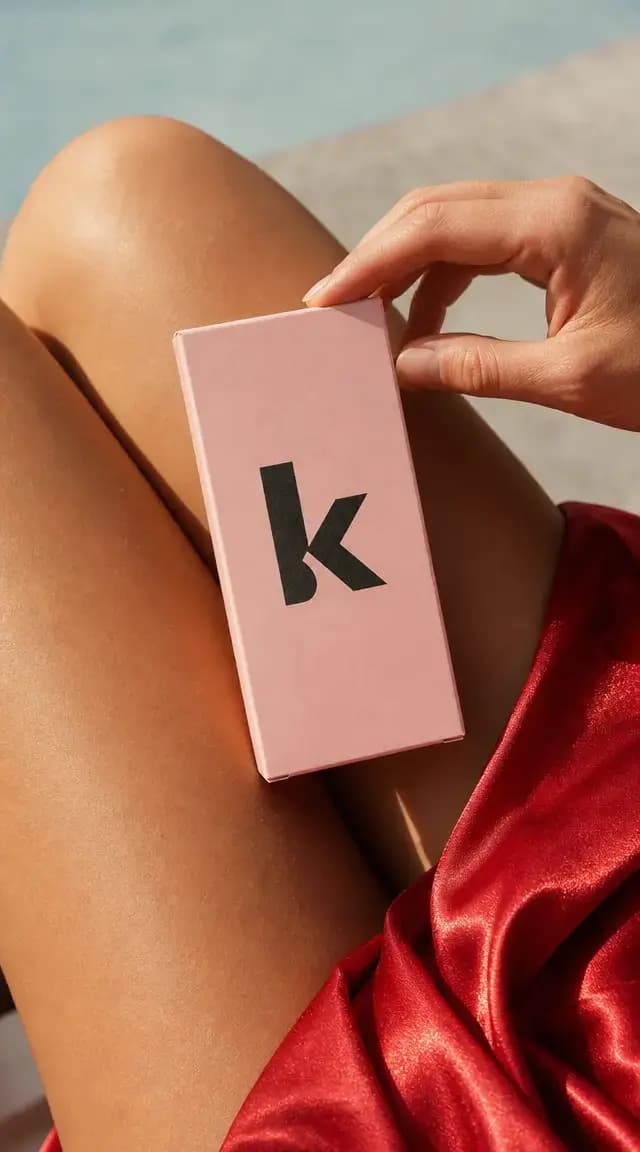
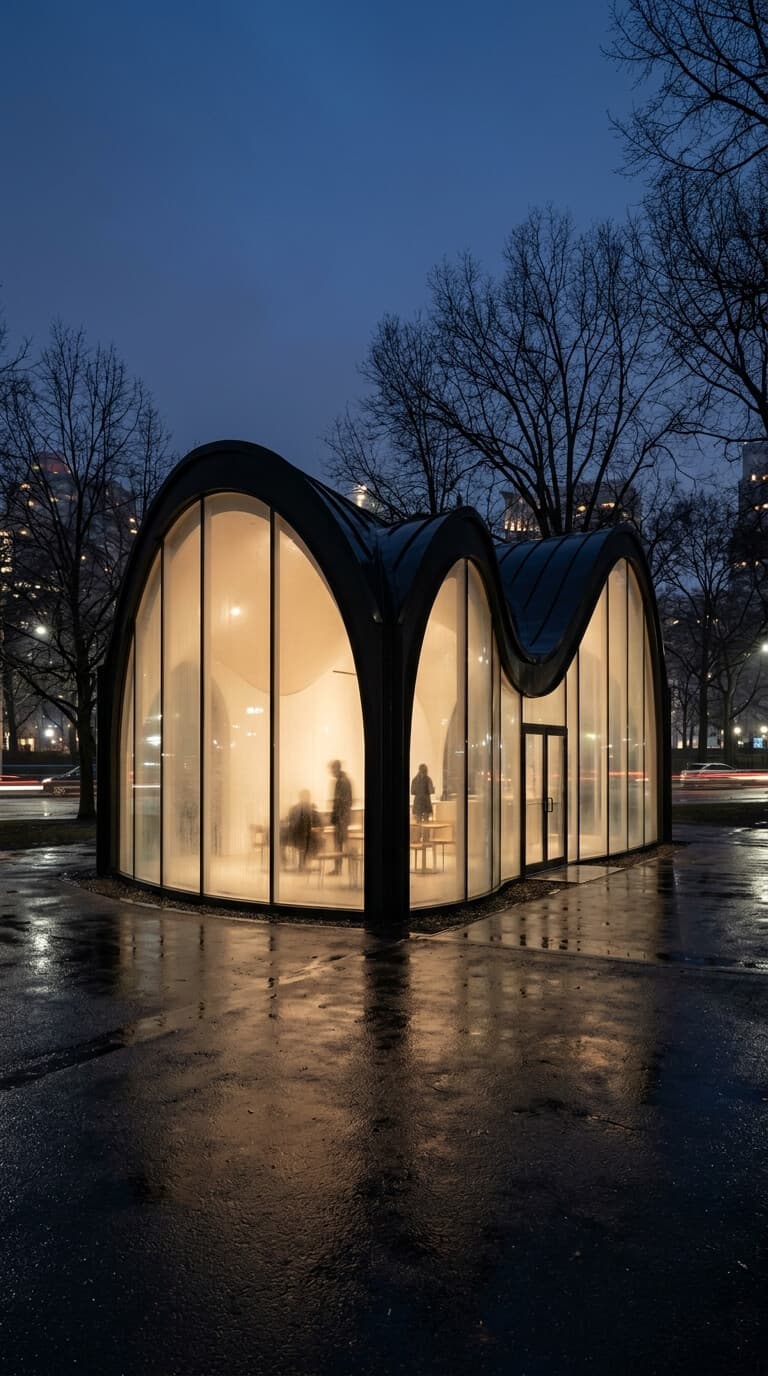
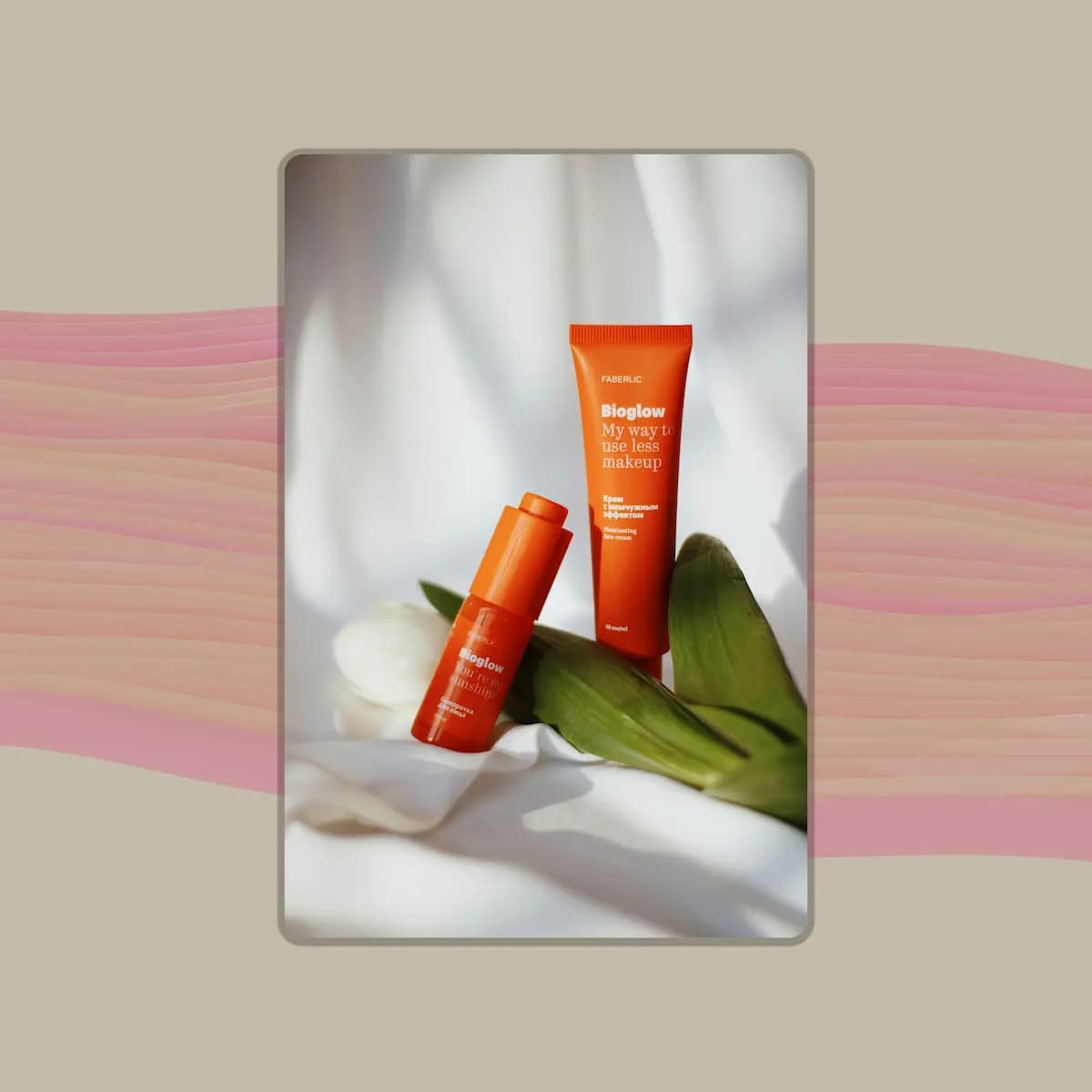
InstaDraw produces high-resolution images that don't have that obvious AI look. Details are clean and realistic, and you only need a short prompt to get started.
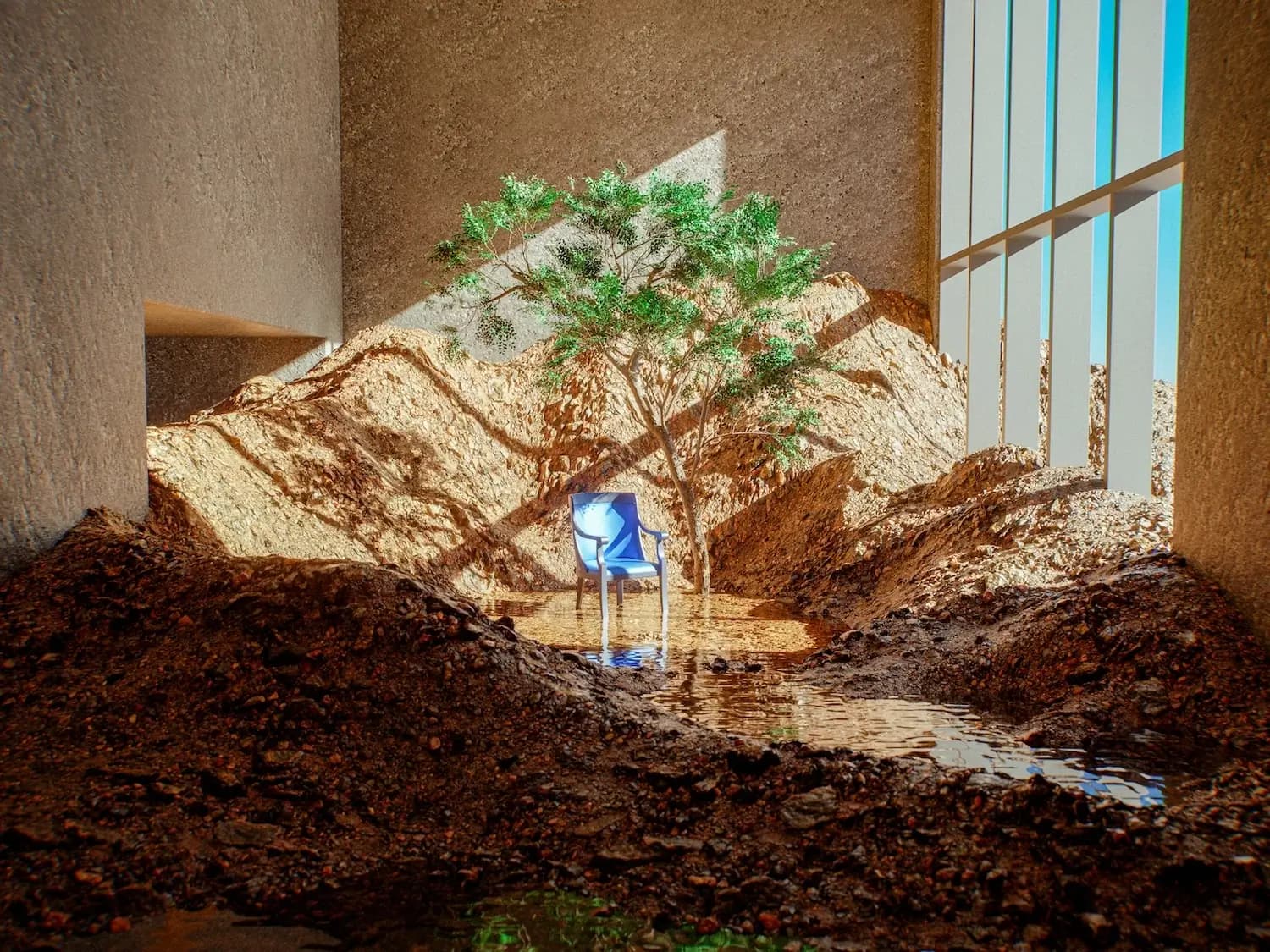
Create images that look natural, clear, and ready to use. Every detail feels clean and believable, from faces to lighting to the overall style.
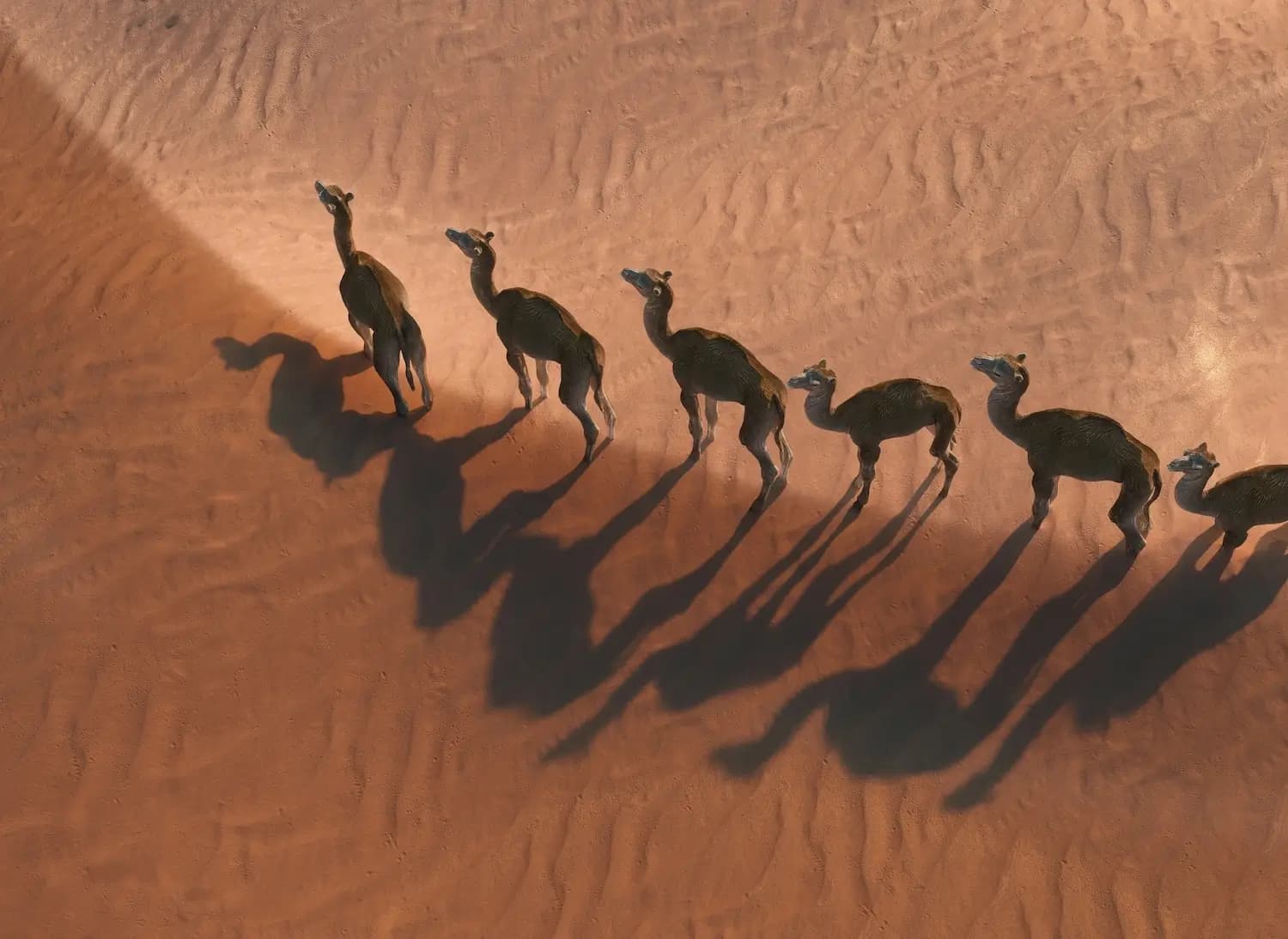
Generate stunning images up to 4K resolution. Make sharp visuals that hold up across blogs, thumbnails, landing pages, and social media posts.
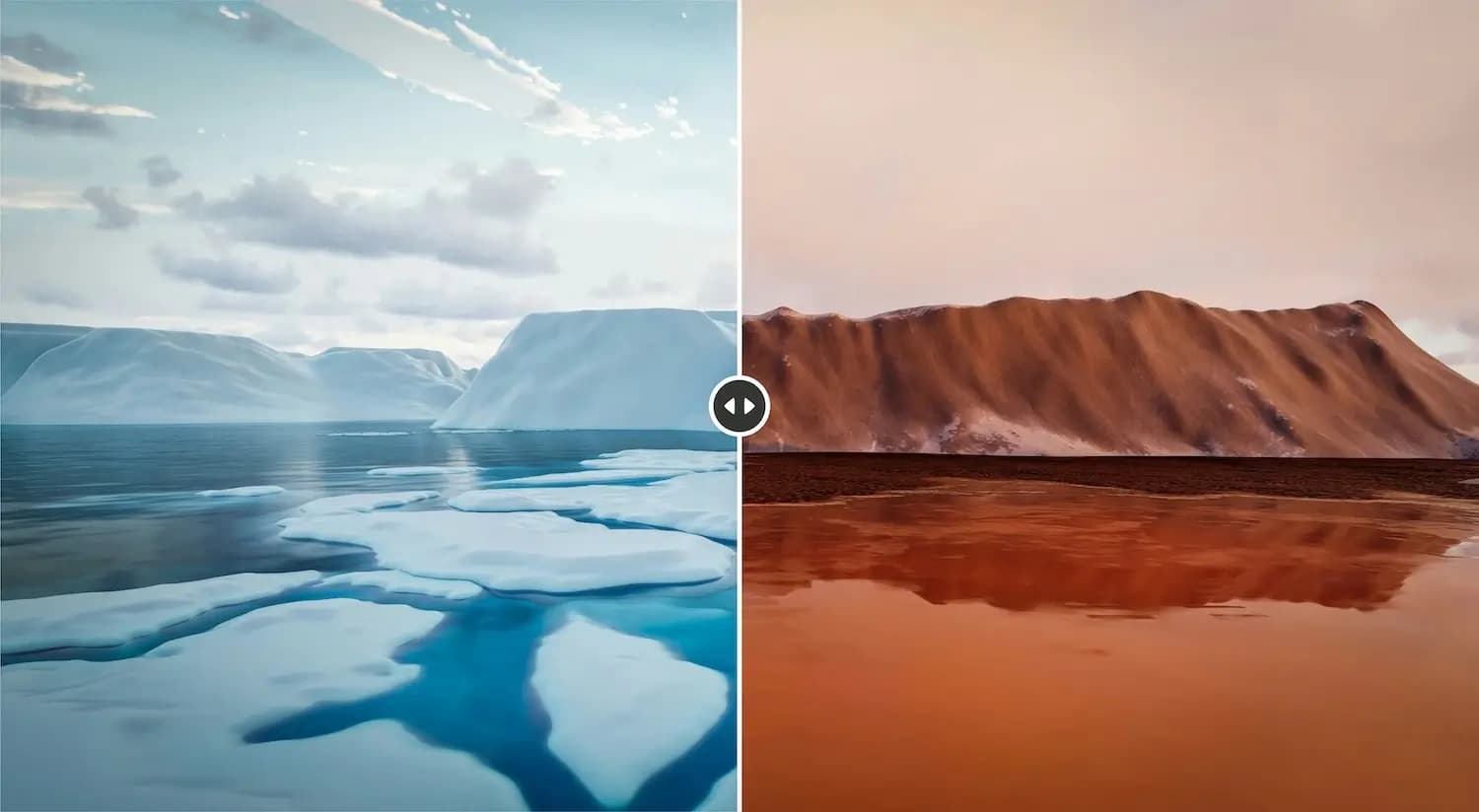
Start with a simple prompt instead of adjusting complex settings. The AI is built to handle different prompts, styles, and use cases, so you can get a clean result with little or no extra editing.
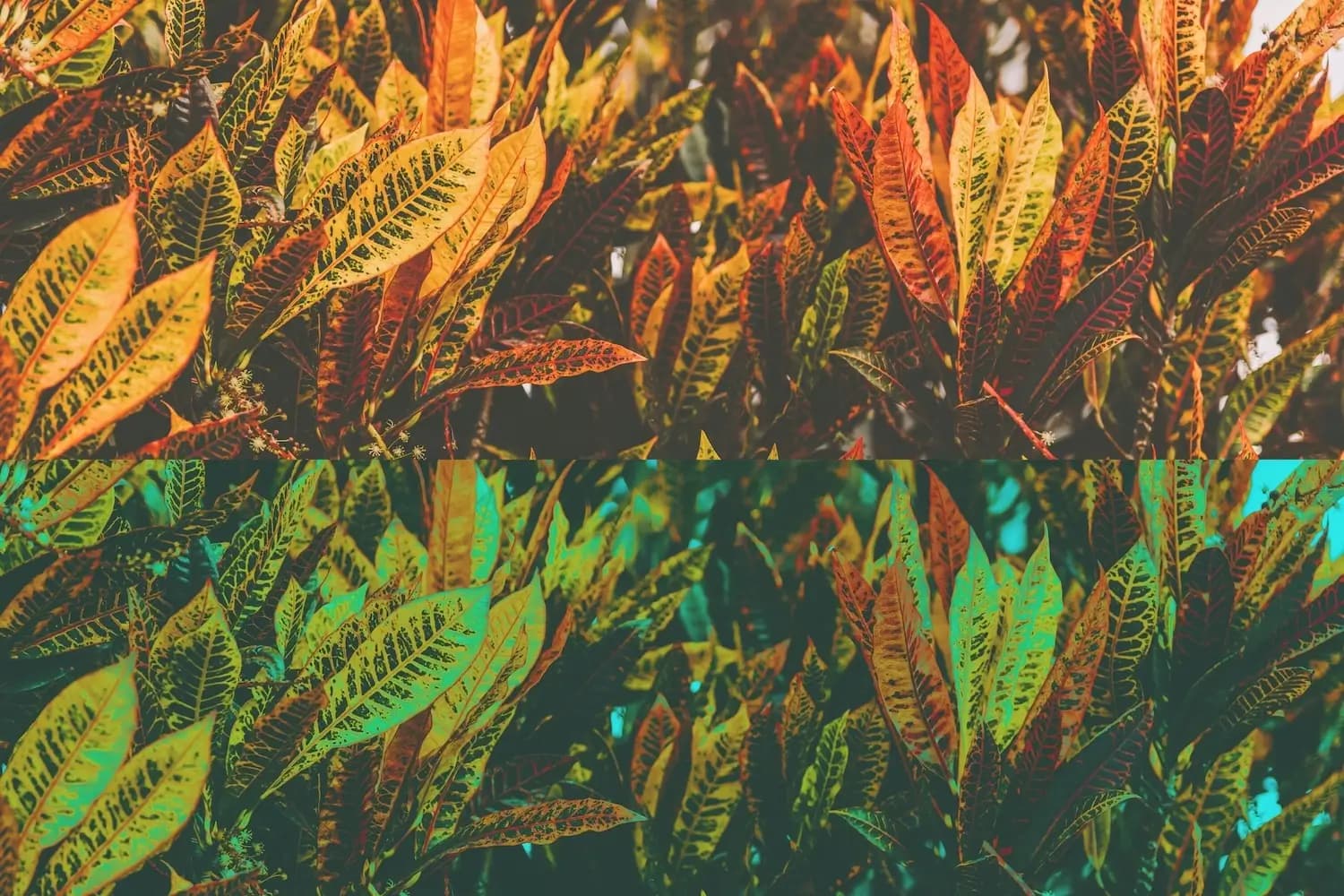
Choose from 20+ style presets and shape the image around your idea. Pick the look you want and create with a clear style in place.
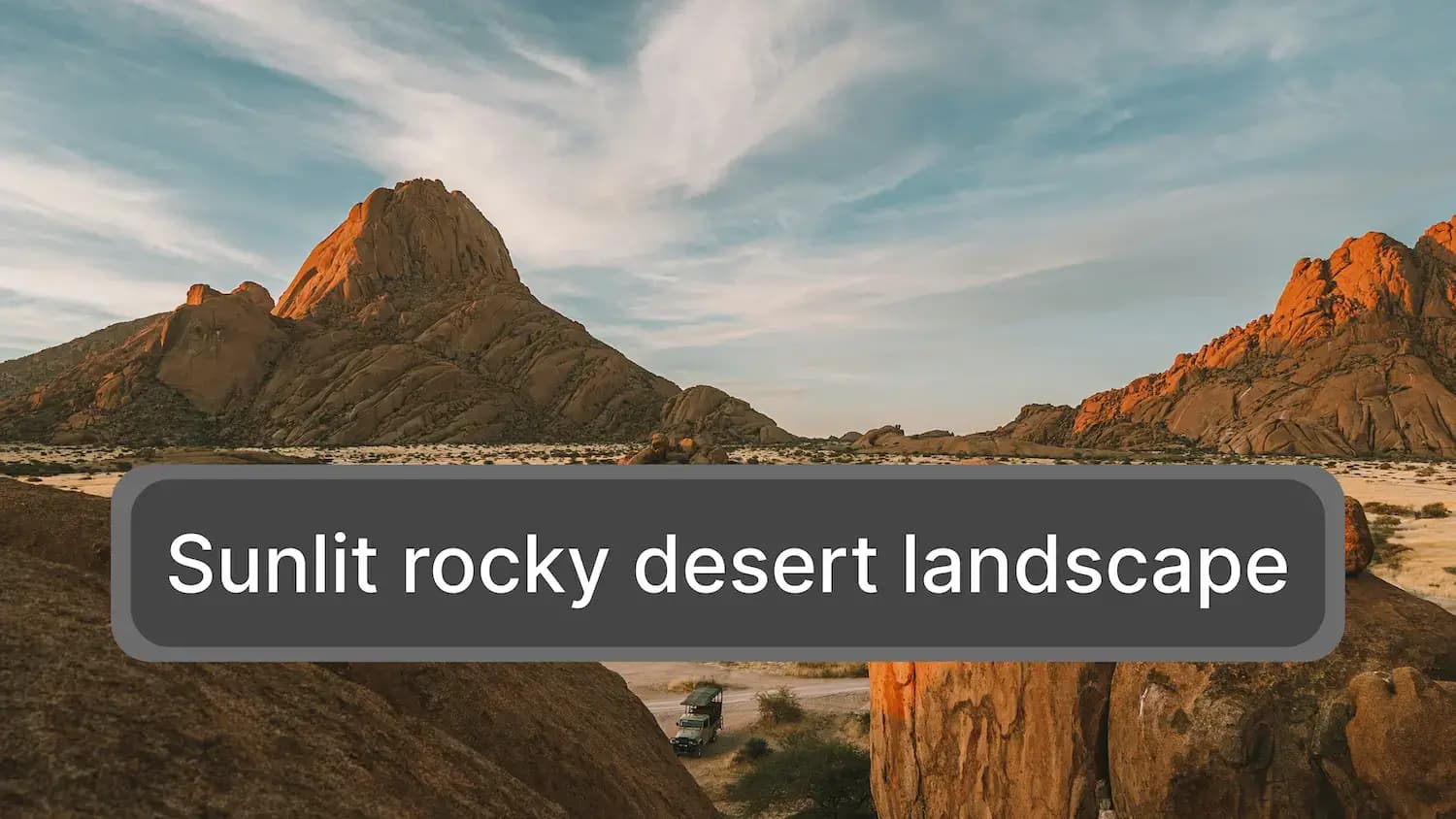
You do not need to learn camera terms, art styles, or model settings. All you do is write a prompt in your own words, or let the AI prompt generator write it for you.
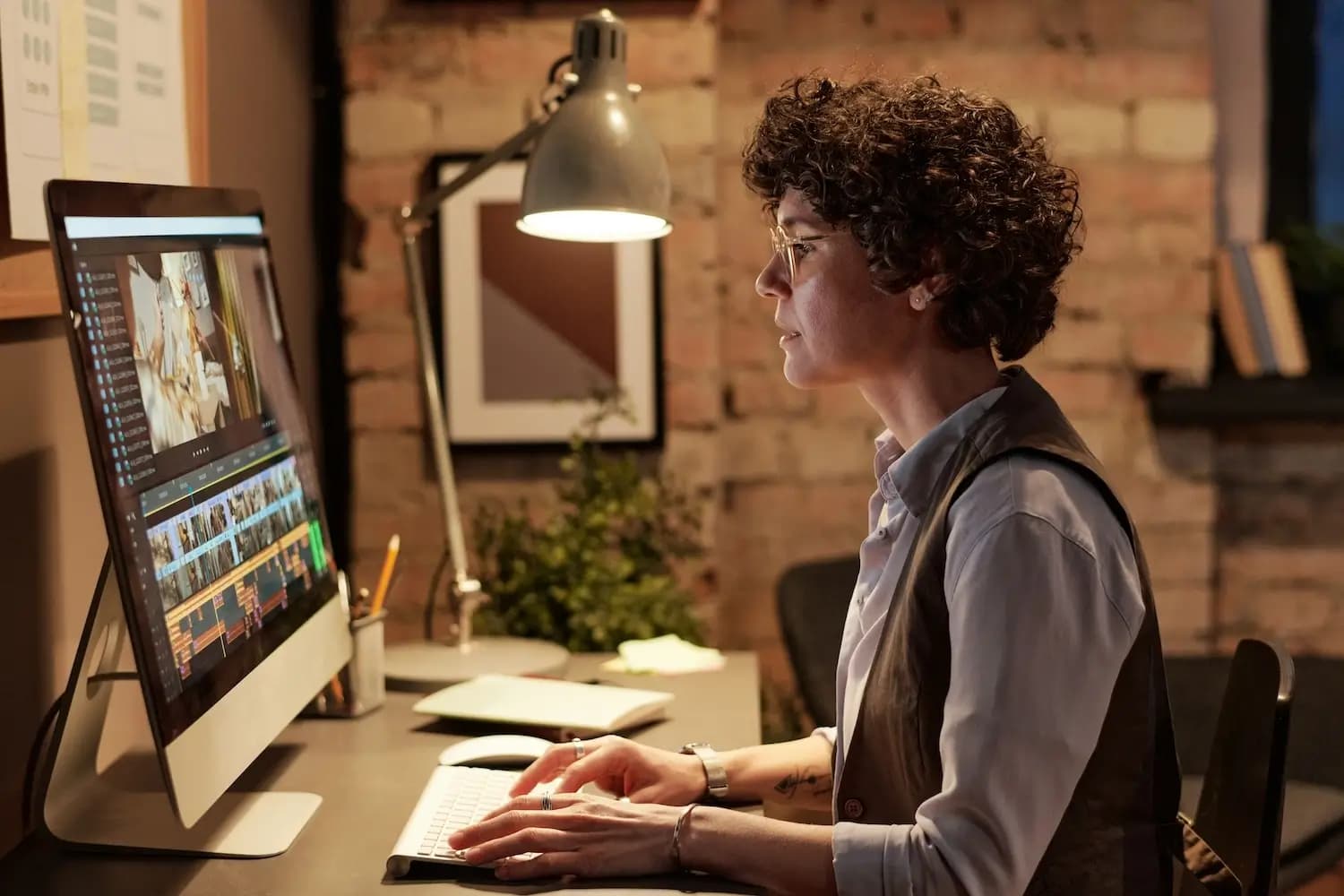
Upload your image and make the changes you need. Remove background, adjust colors, replace an object, or upscale the image.
Generate images using models from Google, OpenAI, ByteDance, and Grok. New models are added as they release. Switch models with one click, compare outputs, and choose what you prefer.
Follow these 3 steps to generate your images.
Write what you want to create in your own words. You can also upload images as a reference.
Click generate and let the AI create images from your prompt.
Review your image before saving it. Then download it in JPG, PNG or WEBP.
From blog posts and social content to ads, thumbnails, and design concepts, generate custom images for the work you are already doing.
Make images for TikTok, Instagram, Facebook, and other social channels. Relevant, high quality visuals can help people notice your post, understand it faster, and feel more likely to like, save, or share it.
Generate images at the scale you need. Choose a plan that matches your projects, volume, and workflow.
Perfect for simple image generation needs
Ideal for frequent creators and small teams
Complete solution for higher volume creative workflows
Try our basic features at no cost
Find quick answers to common questions about InstaDraw’s AI Image Generator, services, and features.
Yes. Every account includes free credits. Once you use them all, you can buy more from the Pricing page.
Yes. Images created with InstaDraw can be used for commercial purposes. This applies to both free and paid accounts.
Credits are used each time you generate an image in InstaDraw. The number of credits used depends on the model you choose.
Yes. InstaDraw lets you download images without a watermark, including images created with a free account.
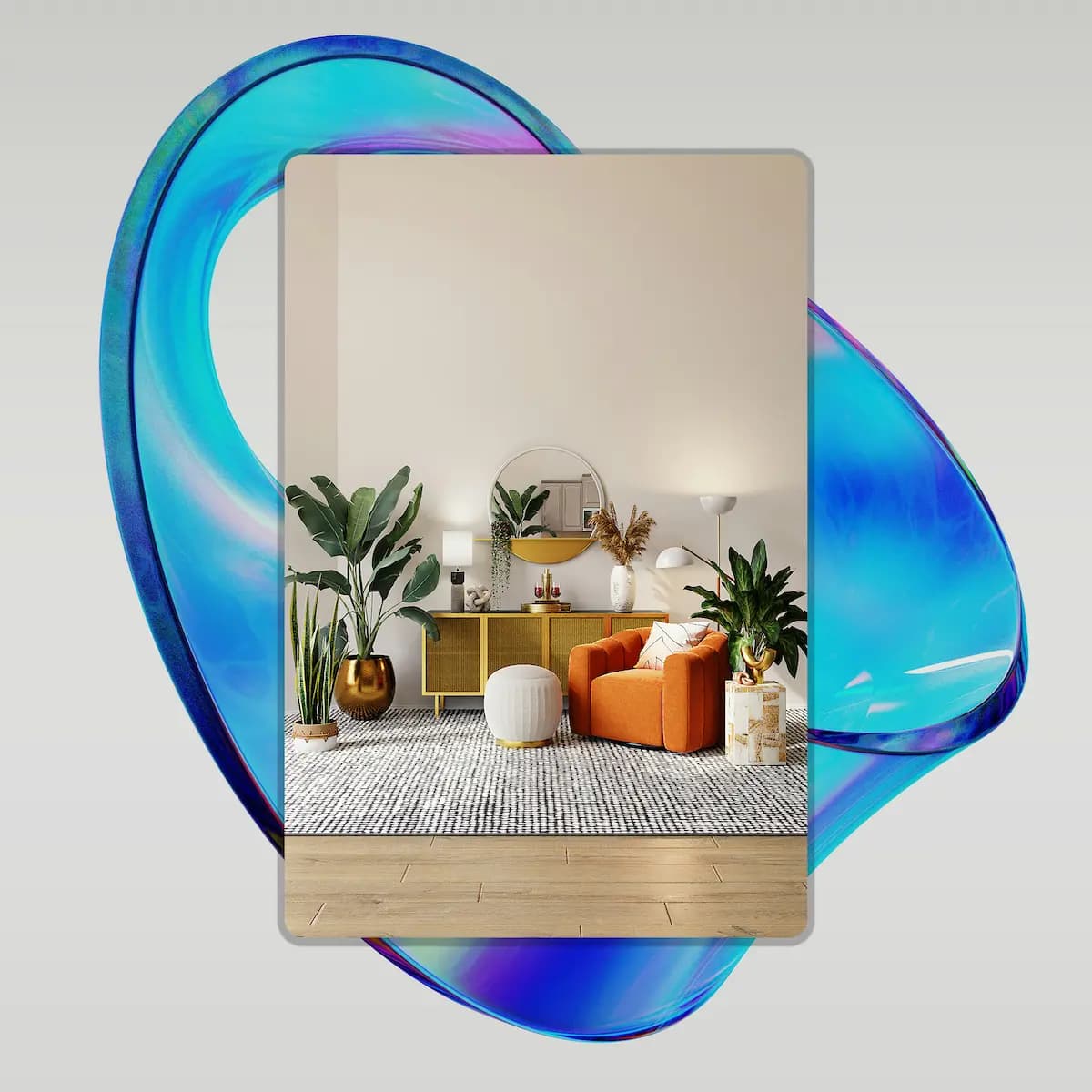
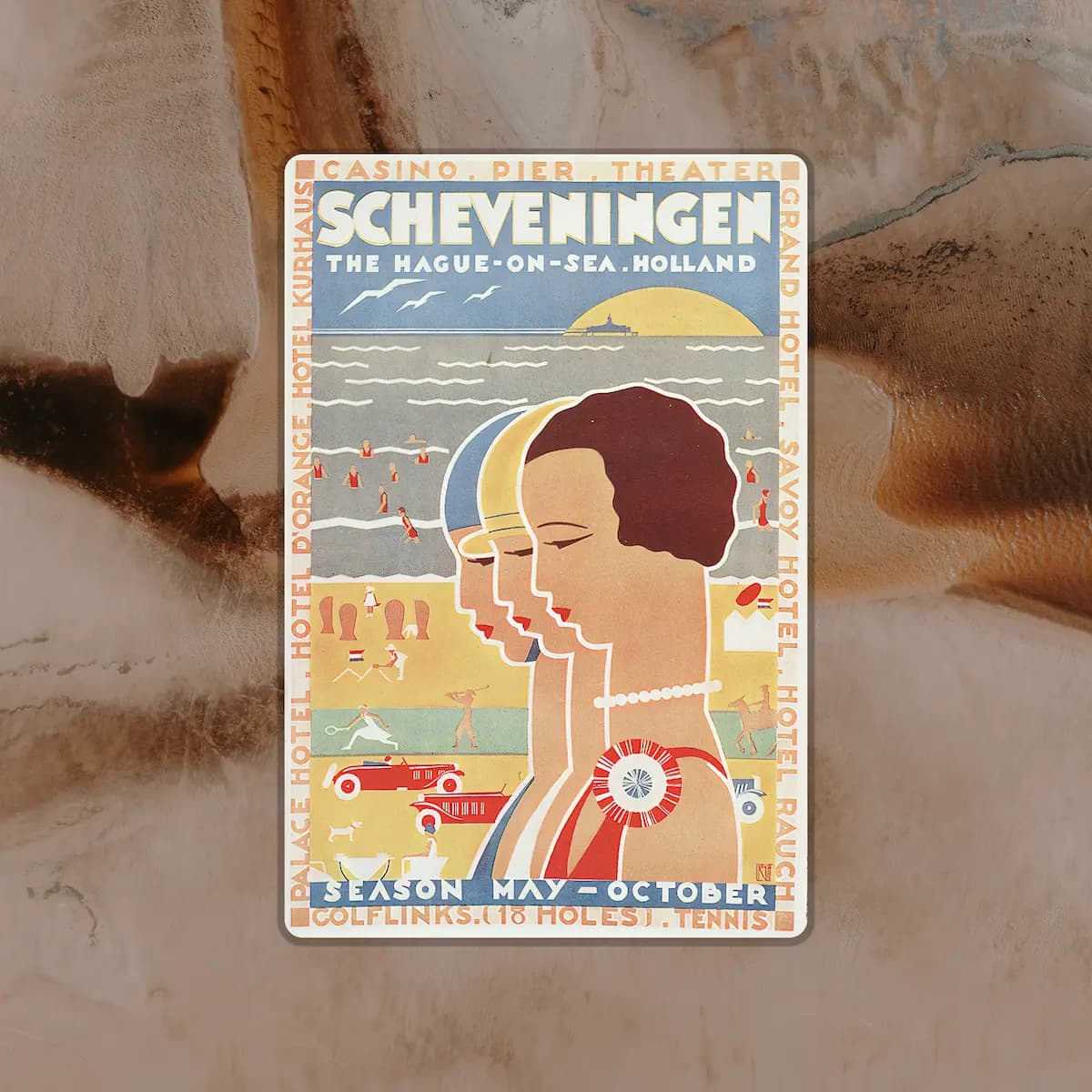
You can generate many types of non NSFW images, including photorealistic images, illustrations, anime, 3D renders, art, interior design concepts, posters, and more.
It depends on the model you choose and how complex your prompt is. Most images are generated in 1 to 3 minutes, and some models may finish faster.
No. InstaDraw works in your browser. Everything is online, so you do not need to download anything.
Write your prompt in your own words. Describe what you want to create, and InstaDraw will turn it into an image. You can also write prompts in languages other than English.
Yes. You can upload an image and edit it with InstaDraw. You can remove the background, change colors, upscale the image, and more.
Yes. Paid users can hide their prompts and generated images to keep them private.
Describe your idea, choose a model, and generate an image in your browser. Free credits are included with every account.